

The whole voice stack, on our own models.
A cascade like everyone else's — except the layers that decide cost and feel are models we train ourselves, small enough to run on the processor you already have.
Five stages, our own models.
Audio comes in, speech goes out. Psst, Turno and Versa are ours; recognition runs NVIDIA’s open model on our servers until our own replaces it; the language model is a provider’s.
- Psst Noise suppression
- Turno Turn-taking
- Conv Speech-to-text
- LLM Your provider
- Versa Speech synthesis
- PsstSpectral-gating noise suppression, run as middleware ahead of transcription. Isolates speech in cafes, cars, wind and open offices. Ours.
- TurnoTurn-taking and barge-in decided on the raw audio stream — a real interruption versus a “mm-hmm” — instead of silence-timeout heuristics. 18,651 parameters. Ours.
- ConvSpeech-to-text. Conv 2.0, our own recogniser, on every call since 20 October 2026: one model for nine languages, on our own servers, with no audio sent to a third-party cloud. Ours, on every call.
- LLMBest-in-class low-latency providers, pluggable, orchestrated by our pipeline rather than stitched together client-side. Provider.
- VersaSpeech synthesis that generates speech one 70 ms frame at a time, for every stream in flight at once. Nine languages, 10 voices, zero-shot voice cloning, 120.0 million deployable parameters. First audio in about 25 ms for one request and about 90 ms with 32 streams at once on one GPU. Ours.
Everything around the models.
Agents, phone numbers, a speech studio, transcription, analytics. All on app.lokutor.com, all on the same minutes.
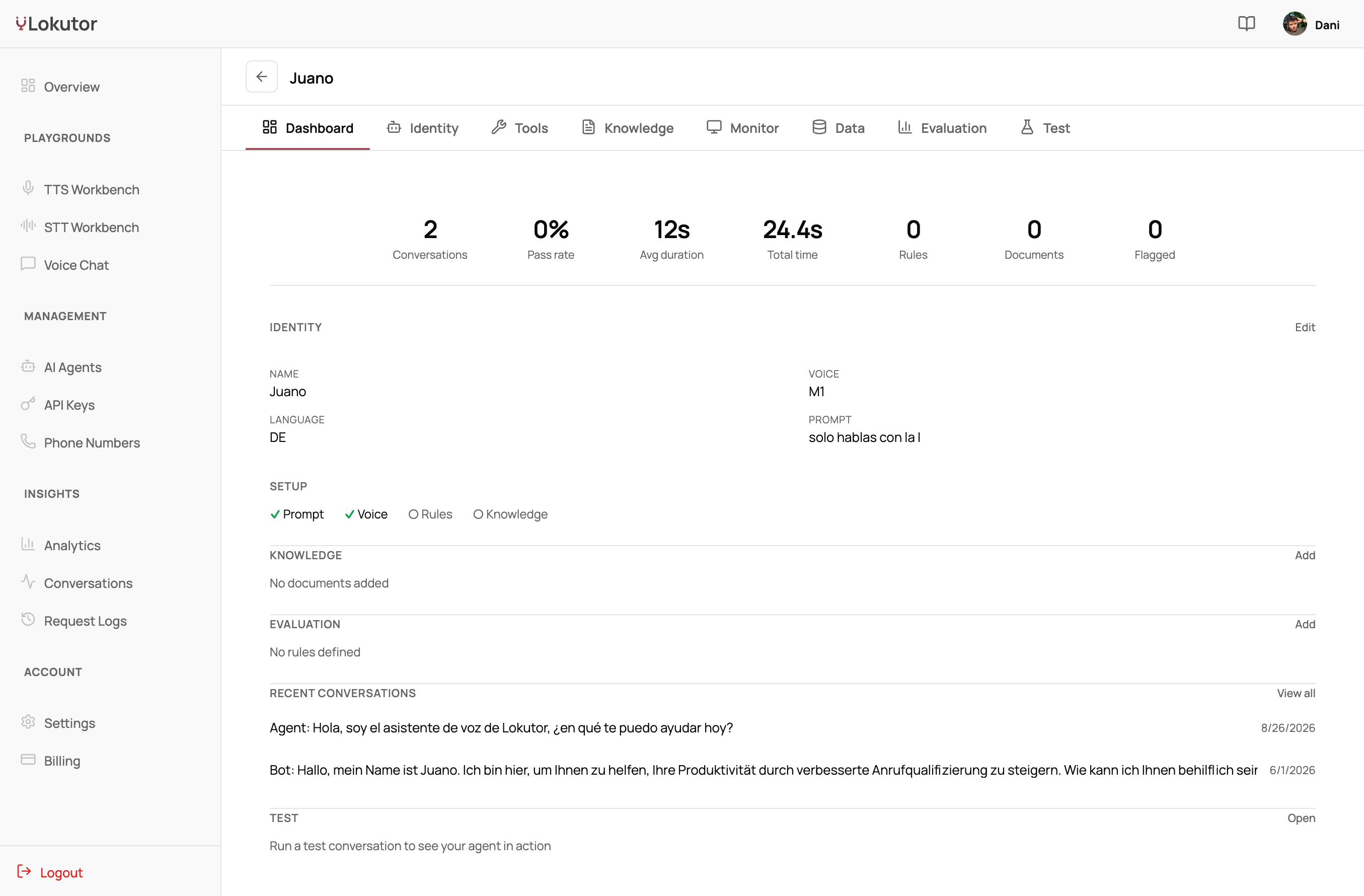
Build an agent in the dashboard.
Prompt, voice, language, tools and cross-call memory in one form. Talk to it in the browser before it ever takes a call.
- 10 voices, nine languages
- Tool calling and memory
- Test it live, in the browser
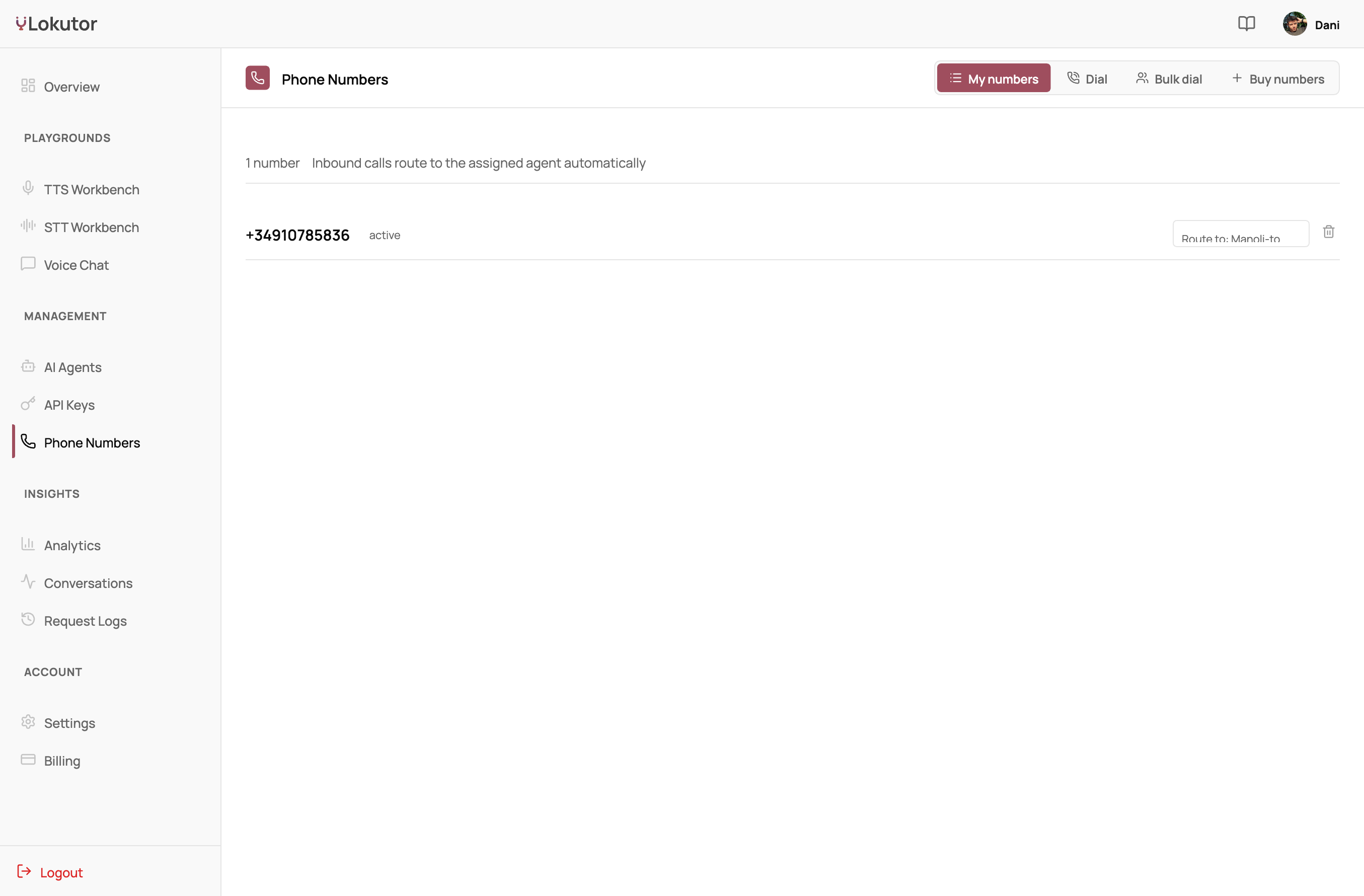
Give it a number.
Provision phone numbers, take inbound calls, place outbound ones, and run bulk campaigns from the same agent.
- Inbound and outbound
- Single and bulk dialing
- Numbers $5 a month
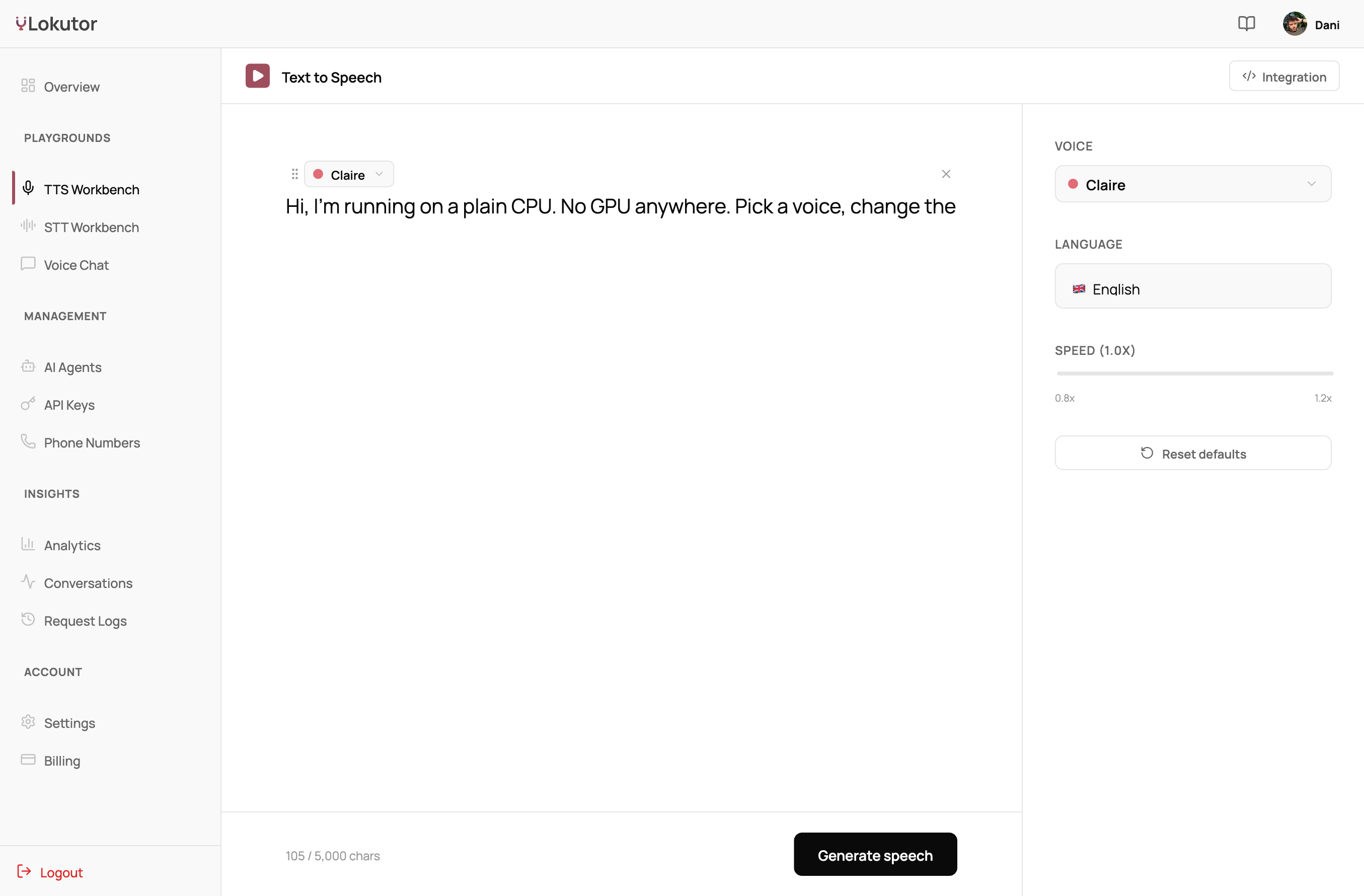
A speech studio, not just an endpoint.
Type, pick a voice, hear it. Streaming synthesis with visemes for lip-sync, and voice cloning.
- Streams from the first chunk
- Visemes included
- $4.10 per million characters
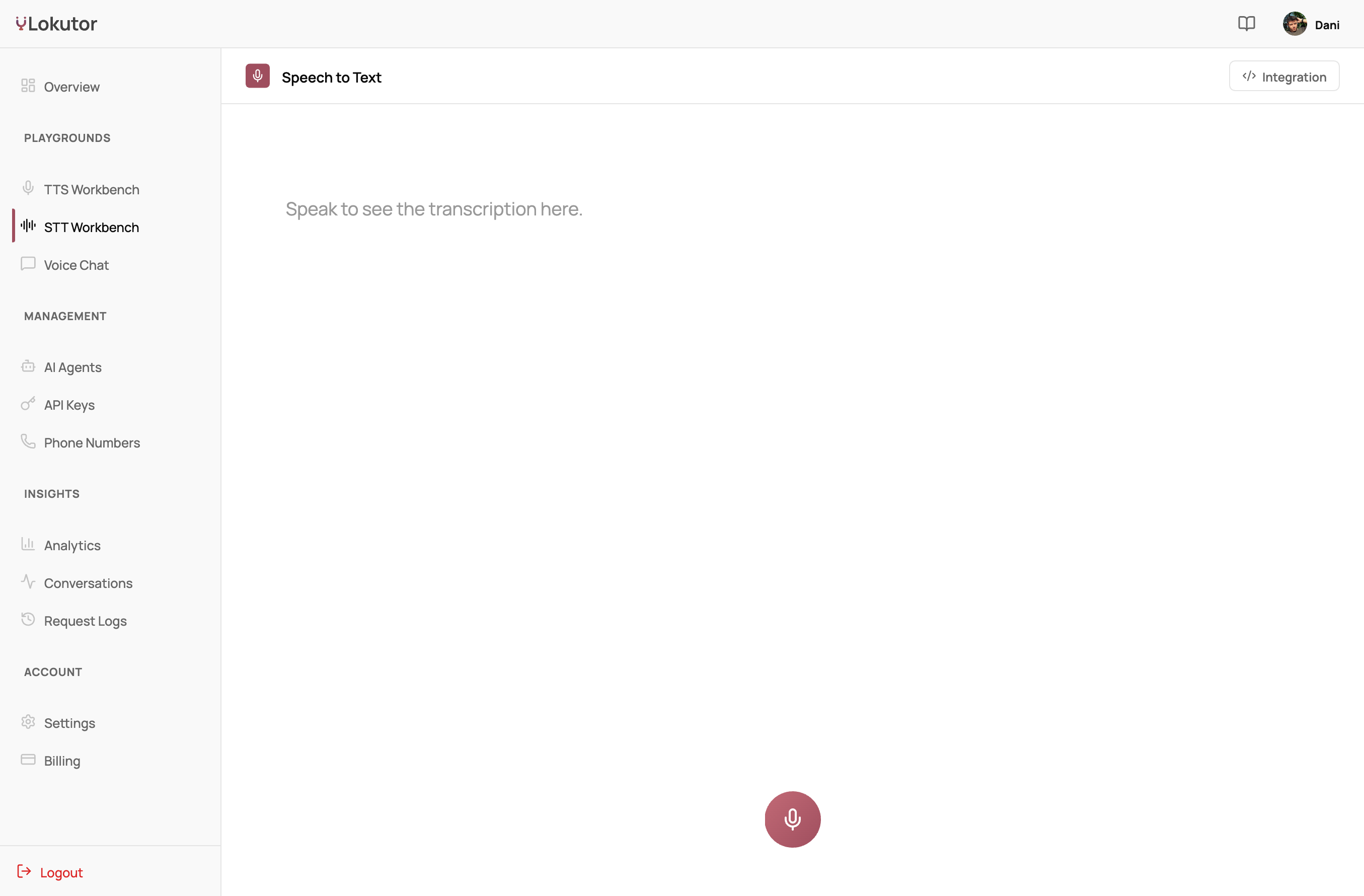
Conv and Psst on their own.
Transcribe audio and clean it up as standalone endpoints, the same models the agent uses, billed by the second from the same balance.
- Speech-to-text in nine languages
- Noise suppression as middleware
- One key, one bill
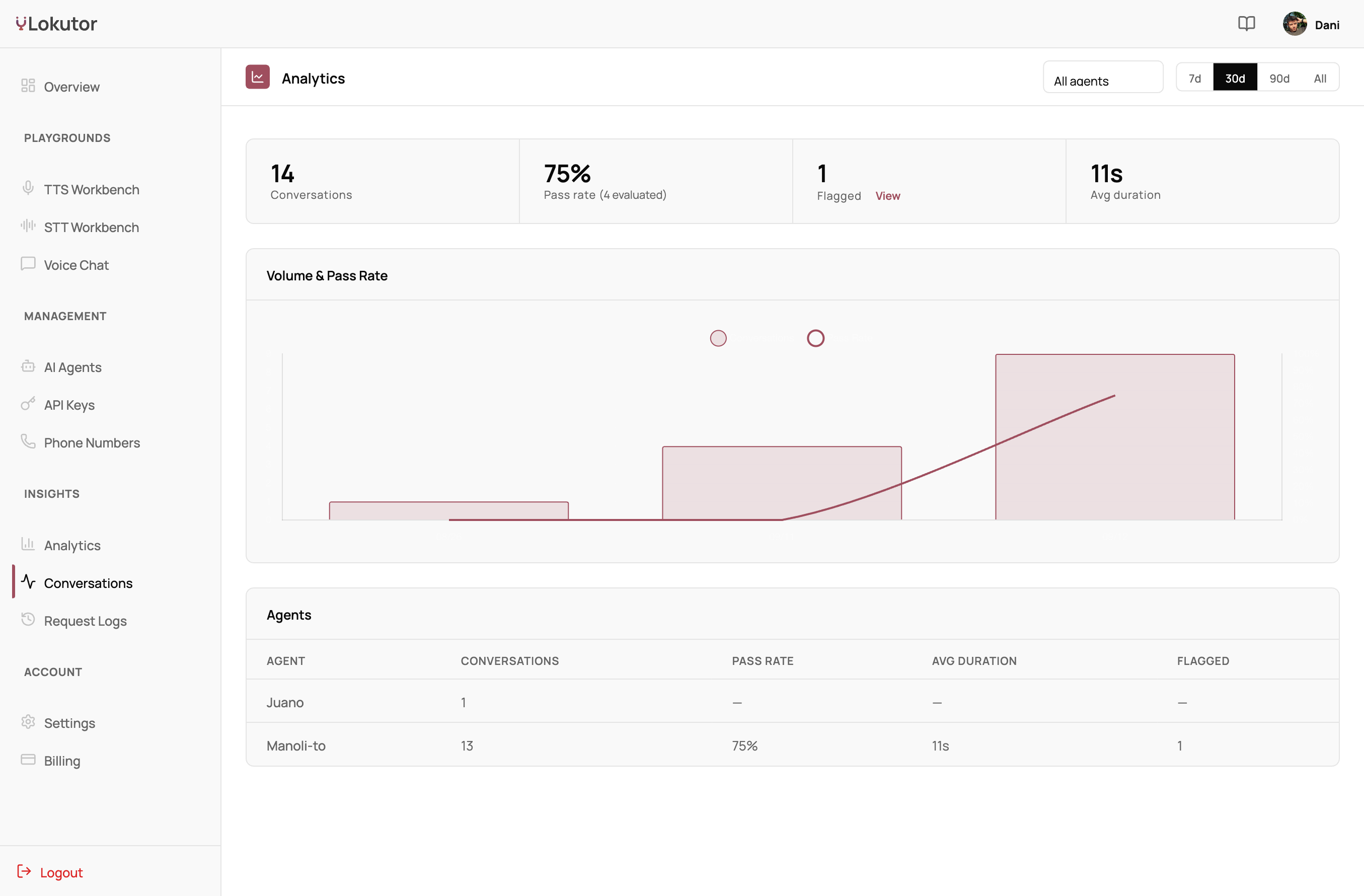
See every conversation.
Transcripts, per-turn latency, minutes used and errors, per agent and per call, so you know what the agent said and how fast.
- Transcripts per call
- Latency per turn
- Usage and cost per call
A voice agent in ten lines.
JavaScript and Python SDKs, a plain REST endpoint for speech, and a Pipecat service if you already have a pipeline.

import { VoiceAgentClient } from '@lokutor/sdk';

const agent = new VoiceAgentClient({
  apiKey: 'YOUR_API_KEY',
  prompt: 'You are the support agent for Acme.',
  voice: 'F1',
  language: 'en',
  serverUrl: 'wss://api.lokutor.com/ws/agent',
});

await agent.startManaged();import requests
r = requests.post(
"https://api.lokutor.com/tts/synthesize",
headers={"Authorization": "Bearer YOUR_API_KEY"},
json={"text": "Hello from Lokutor.", "voice": "F1", "language": "en"},
)
open("audio.wav", "wb").write(r.content)curl -X POST "https://api.lokutor.com/tts/synthesize" \
-H "Authorization: Bearer YOUR_API_KEY" \
-H "Content-Type: application/json" \
-d '{"text": "Hello from Lokutor.", "voice": "F1", "language": "en"}' \
--output audio.wav# pip install pipecat-lokutor
from pipecat_lokutor import LokutorTTSService
tts = LokutorTTSService(api_key="YOUR_API_KEY", sample_rate=44100)
# use it as the TTS stage of any Pipecat pipeline
See the numbers behind it.
Where the time goes in a turn, on what hardware, with the methodology to reproduce it.